Time it takes: twenty minutes to set up, then twenty minutes once a month. “How do I track my investments in a spreadsheet?” usually gets asked the month a second account shows up. The work plan is in one app, the account you opened yourself is in another, and neither knows the other exists. This guide is the one page that does: what goes on it, how to set it up in an evening, the one day a month you touch it, and what to leave off it on purpose.
Quick answer: how do you track your investments in a spreadsheet?
One row per holding. Each row says what it is, which account holds it, the date you bought it, how many shares you own, what you paid, and what it is worth on your update day. Fill in the value column on one fixed day a month, never daily, and keep a notes column for why you bought it.
If you would rather not draw the columns yourself, the Stock Investments Tracker is that page already laid out as a fillable PDF: one row per holding, the purchase and sale columns, and a dividends payout table underneath.
One plain line before anything else: this is general education about keeping records, not investment advice. Nothing here tells you what to buy, when to sell, or what to expect. For the investments themselves, start with the introduction to investing at investor.gov, which the Money Reference Desk links to.
Jump Ahead To:
Why isn’t your brokerage app enough once you have more than one account?
Savvy here, and this is my favorite kind of problem, because it means you started. Most people in their late twenties and thirties end up with investments in three or four places without ever deciding to: a retirement plan through work, an account opened on their phone one Sunday, a plan from an old job that still sends a statement, maybe a small account a parent set up years ago. Every one of those apps is excellent at showing its own slice. Not one of them can show you the whole pie.
The founder of this shop spent close to thirty years as a company CFO, and the first thing she learned about any set of accounts is that nobody can manage money that lives in four places and is added up in none of them. A business keeps one list of everything it owns, where it is, and what it cost. That list, shrunk to one page, is the whole idea here. You are not building a trading desk. You are building the one place where the pie is a pie.
Sense, with the practical reason: the questions you actually have about your investments are whole-picture questions. How much do I have invested, in total? How much of it is in the work plan versus the account I control? When did I buy that one, and what did I pay? A spreadsheet answers all three in one glance. Four apps answer them one at a time, after four logins.
What goes in an investment tracking spreadsheet?
Nine columns; most rows leave two or three of them blank, and that is fine.
- Holding. The name of the thing you own, or its ticker symbol, which is the short code the market uses for it.
- Account. Where it lives: the work plan, the account you opened yourself, the old employer plan. Same holding in two accounts means two rows.
- Date bought. The day the money went in.
- Shares. How many units you own. Decimals count; many apps sell fractions of a share.
- Price paid per share. What one unit cost you on the day you bought it.
- Total invested. Price paid times shares, plus any fee the account charged you to buy. This is what the money cost you going in, and it does not change until you buy more or sell.
- Value today. What the account says the holding is worth on your update day. This is the only column that changes every month.
- Dividends received. A dividend is a payment some companies and funds send to the people who own them. If a holding has sent you one, the amount and the date go here, or in the dividends table underneath.
- Notes. Why you bought it, in one sentence. This is the column that earns its keep.
A sale gets two more columns, sale price and sale date, and the row stays on the page afterward so the record is complete. The Stock Investments Tracker carries exactly these columns, with a totals row at the bottom and the dividends table already drawn.
How do you set up an investment tracker in one evening?
Five steps, in this order. The first one takes the longest and is the one most people skip.
- List every account first. Before a single holding goes on the page, write down each place money is invested in your name: the work plan, anything you opened yourself, any plan from a previous employer, anything a family member set up for you. Log in to each one, or find the last statement. Most people find one account they had half forgotten.
- Add one row per holding, not one per account. Open the first account and copy each thing it holds onto its own row: holding, account, date bought, shares, price paid, total invested. Then the next account. If you buy the same fund every payday, it is one row with “monthly” in the notes. The Stock Investments Tracker has fourteen rows on a page, which covers most people; print a second page if you need it.
- Choose your update day. One day a month, the same day every month, written in your calendar. The last Sunday works for most people because the statements have landed. On that day you fill in the value column from each account and nothing else. That is the whole monthly job.
- Add a notes column for why you bought it. One sentence per row, written the day you add the row: “the fund the work plan picked for me,” “the first thing I bought on my own.” A year from now, when a holding is up or down and you are wondering what to do, the note is the only column that remembers what the plan was.
- Review the whole page twice a year. Not the numbers; the page. Is every account still on it? Did a new one appear? Did an old employer plan get rolled somewhere? Is the total-invested column still true? Twice a year is enough.

What should you leave off the spreadsheet, and why?
Sense here, because this is the part where the plan protects you from the plan. Leave off daily prices. Leave off anything you would have to look up more than once a month. A spreadsheet that gets opened every day stops being a record and becomes a mood, and a mood is a poor thing to make money decisions from.
Numbers don’t lie, but daily numbers do a lot of talking. The value column on your update day is a fact. The value column on a Tuesday afternoon is a fact that will be a different fact by Wednesday. Once a month is often enough to know where you stand and rarely enough that you are not tempted to do something about it at lunch.
Savvy, adding the one thing I would never leave off: the dividends table. It is small, it fills slowly, and it is the most encouraging table on the page, because it is money that showed up without you doing anything.
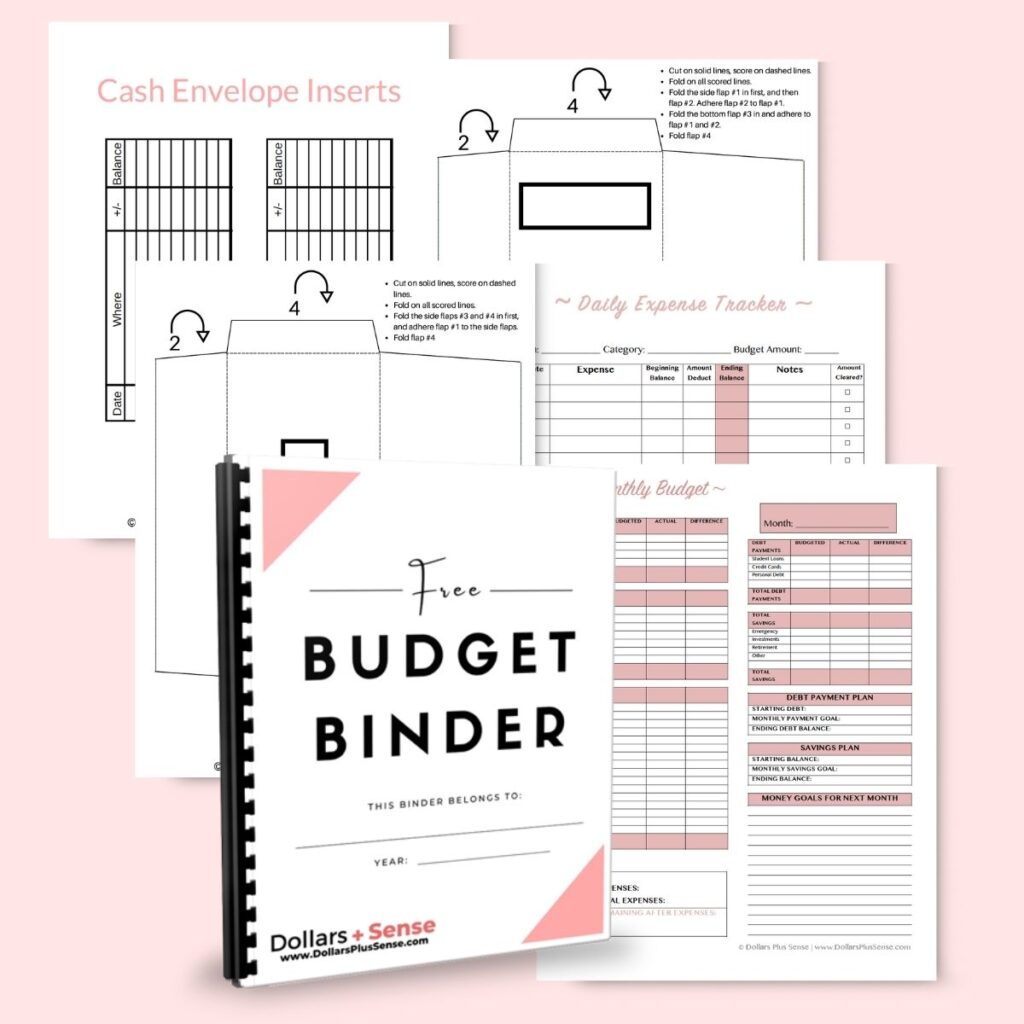
Want the page the monthly transfer comes from? The free budget binder is a printable starter set: the monthly budget page, the bill tracker and the pages we reach for most. The amount you invest each month starts as a line on that budget page, and the tracker is where it goes after that.
What does the monthly update actually look like?
Twenty minutes, and here is where they go. Say it is the last Sunday of the month and your page holds four rows, with round numbers that are obviously invented. Row one is the fund your work plan chose for you, bought monthly since March, two thousand dollars in so far. Row two is the first thing you bought on your own, one hundred shares at ten dollars each. Row three is a fund in an old employer plan, fifteen hundred in, three years ago. Row four is the account a grandparent opened, a few shares of one company, five hundred in.
You open the work plan and write what row one is worth today. You open the phone app and write row two. You open the old plan and write row three. You open the fourth account, write row four, and notice it sent a dividend on the twelfth, so that goes in the dividends table. You add up the value column, write the total, and close everything. The page now says, in one place, what you have invested and what it is worth this month, and it took less time than the group chat about where to eat.
Notice what you did not do. You did not change any total-invested column, because you did not buy or sell. You did not move anything or decide anything. The update is a reading, not a decision. If the reading raises a question, it goes to the notes column and the twice-a-year review, and the places that explain the investments themselves are on the Money Reference Desk.
How does the tracker fit with the rest of your money?
It is the last page of a set, not a page on its own. The money that lands in the tracker started as a line in a budget. If you have not settled which format you will actually keep up with, binder versus spreadsheet versus app settles it in one read. If the update day is new to you, it pairs with the twenty-minute monthly budget review: same Sunday, one more page, and the whole month is closed.
And if the holdings themselves are the part you are still learning, investing 101 is the plain-language starting point on this site for what stocks, bonds and funds are. Read that for what the rows mean; use this page for keeping them.
Savvy, with one more thing. The tracker is the page that makes “let’s think bigger” possible. Nobody sets a goal for money they cannot see in one place. The first month the total at the bottom is a real number, you will find yourself asking what it could become, and that is the right question, asked from the right page.
Questions people ask about investment tracking spreadsheets
Should I use a spreadsheet or an app to track my investments?
Use whichever one you will open on your update day and ignore the rest of the month. An app that pulls every account together updates itself, which is exactly the problem for most people: it is always there, always moving. A spreadsheet or a printed page only changes when you change it, which keeps the monthly rhythm honest. Plenty of people keep both, the app for logging in and the page for the record.
How often should I update my investment tracker?
Once a month, on the same day, plus a row added the day you buy or sell something. The twice-a-year review is for the page itself: accounts, logins, notes. Anything more frequent than monthly turns a record into a habit of checking.
Should retirement accounts be on the same spreadsheet?
Yes, on the same page, with the account column saying which is which. The point of the tracker is the whole picture, and for most people the work retirement plan is the largest slice of it. The rules for what you can do with a retirement account are different from a regular account, and those rules are not on this page; they live with the primary sources on the Money Reference Desk.
What records should I keep alongside the spreadsheet?
Keep the confirmation each account sends when you buy or sell, and the year-end statement from each account, in one folder. The spreadsheet is your summary; the confirmations are the proof behind it. How long to keep each record, and which ones matter at tax time, is a question for the primary sources the Money Reference Desk links to, not a number we will state here.
What if I only have one account?
Start the page anyway, with its one or two rows. The tracker is easiest to begin when it is small, and the second account usually arrives sooner than you expect: a new job, a new app, a rollover. The habit of one update day a month is worth more than the number of rows.
Ready to see the whole pie on one page?
The Stock Investments Tracker is the page from this guide, already drawn: one row per holding with the purchase and sale columns, a dividends payout table underneath, totals at the bottom, and a short set of instructions for each column. A fillable PDF you can type into or print, with room for fourteen holdings a page.
It is also one of the nine files inside The Builder Door ($27), the bundle for the stretch where there is margin, and it sits behind the Building real wealth door with the rest of those tools.
One row per holding, one day a month, one sentence about why. That is the whole system, and it is the version of an investment tracker people are still keeping a year later. Set it up this evening, and let the first update day come to you.
General education, not investment advice.