



Ultimate Budget Bundle
$49.00
THE PERFECT COMBO TO MASTER YOUR MONEY—ON PAPER AND ON SCREEN!
Wish you had one simple system to finally get organized, stick to a budget, and make real progress with your money?
The Ultimate Budget Bundle brings together the best of both worlds:
Whether you like writing things down by hand or tracking everything digitally, this bundle gives you the complete tools to take control of your finances once and for all.
Wish you had one simple system to finally get organized, stick to a budget, and make real progress with your money?
The Ultimate Budget Bundle brings together the best of both worlds:
- Printable worksheets to help you build better habits.
- Smart spreadsheets that do the math for you.
Whether you like writing things down by hand or tracking everything digitally, this bundle gives you the complete tools to take control of your finances once and for all.
Benefits Of The Ultimate Bundle:
- Create a Budget that Works:Build a budget that aligns with your income, expenses, and goals—so you stop living paycheck to paycheck.
- Stay Consistent & Organized: Track your income, expenses, savings, and debt all in one place—both digitally and on paper.
- Get Your Spouse Involved: Use tools that are easy to share so you can budget as a team and stay on the same page.
- Clear Financial Tracking: Know exactly where your money goes and identify areas for saving.
- Use It Your Way: Print it, use it on your tablet, or track everything digitally—it’s flexible and designed to fit your lifestyle.
*This is a digital product. Nothing physical will ship.
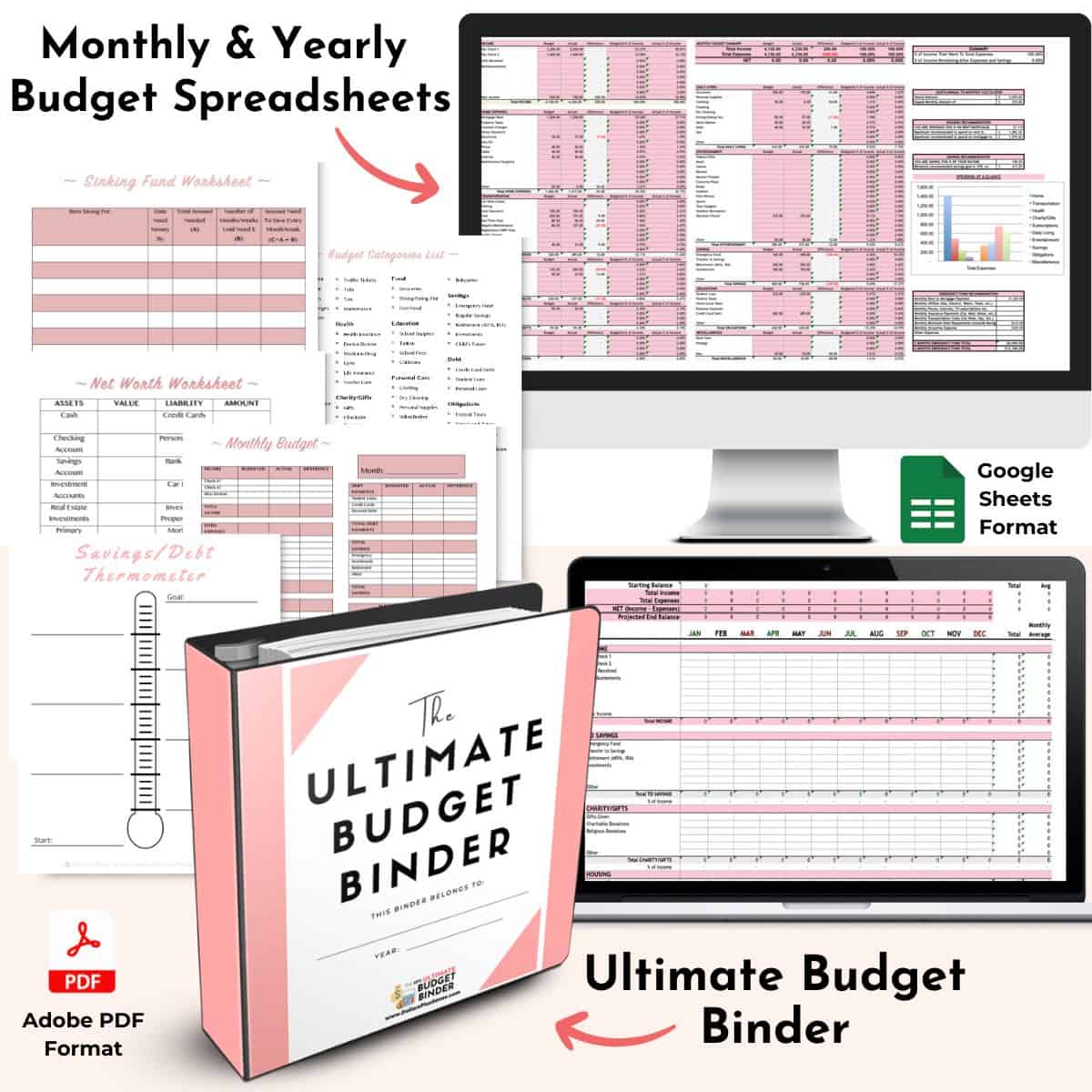
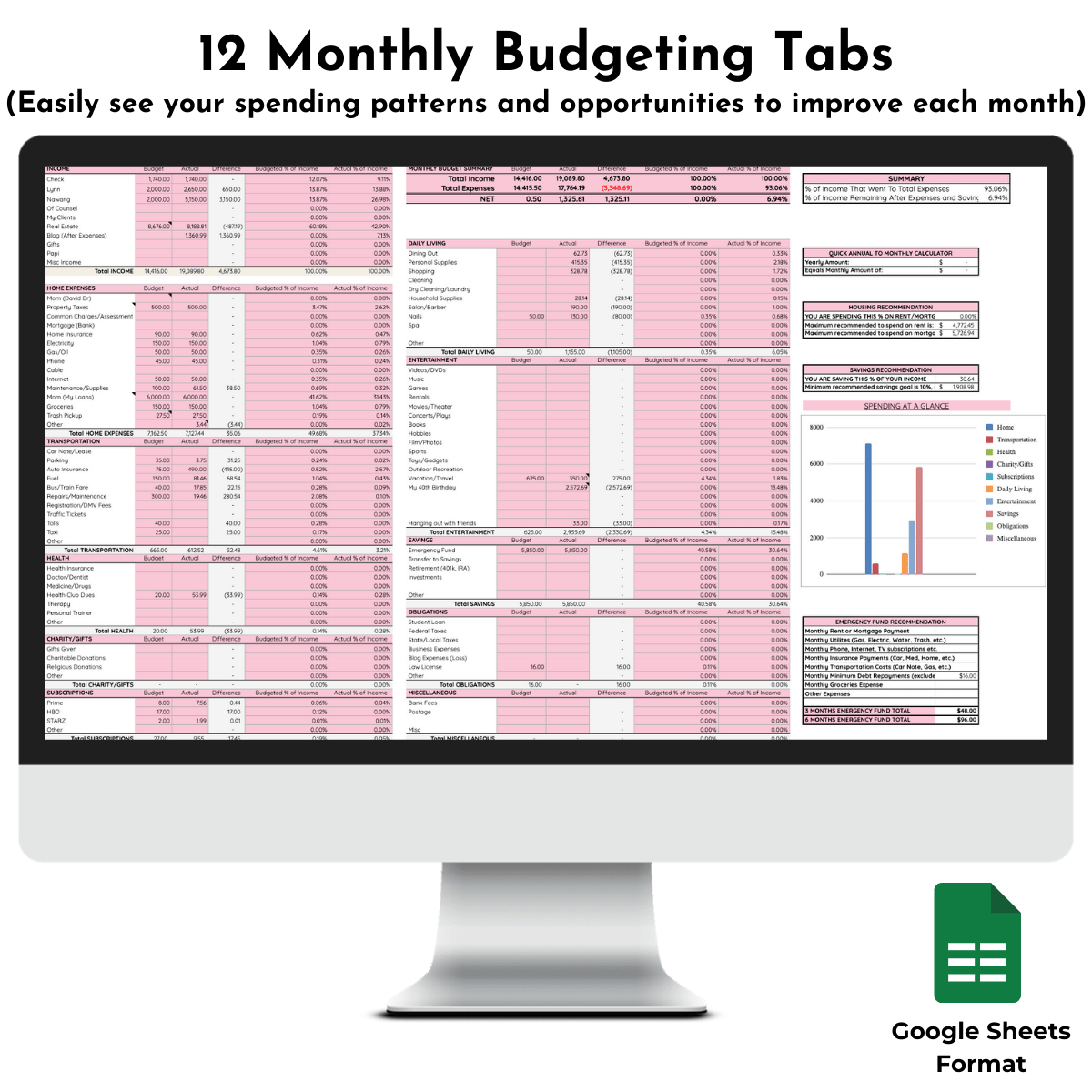
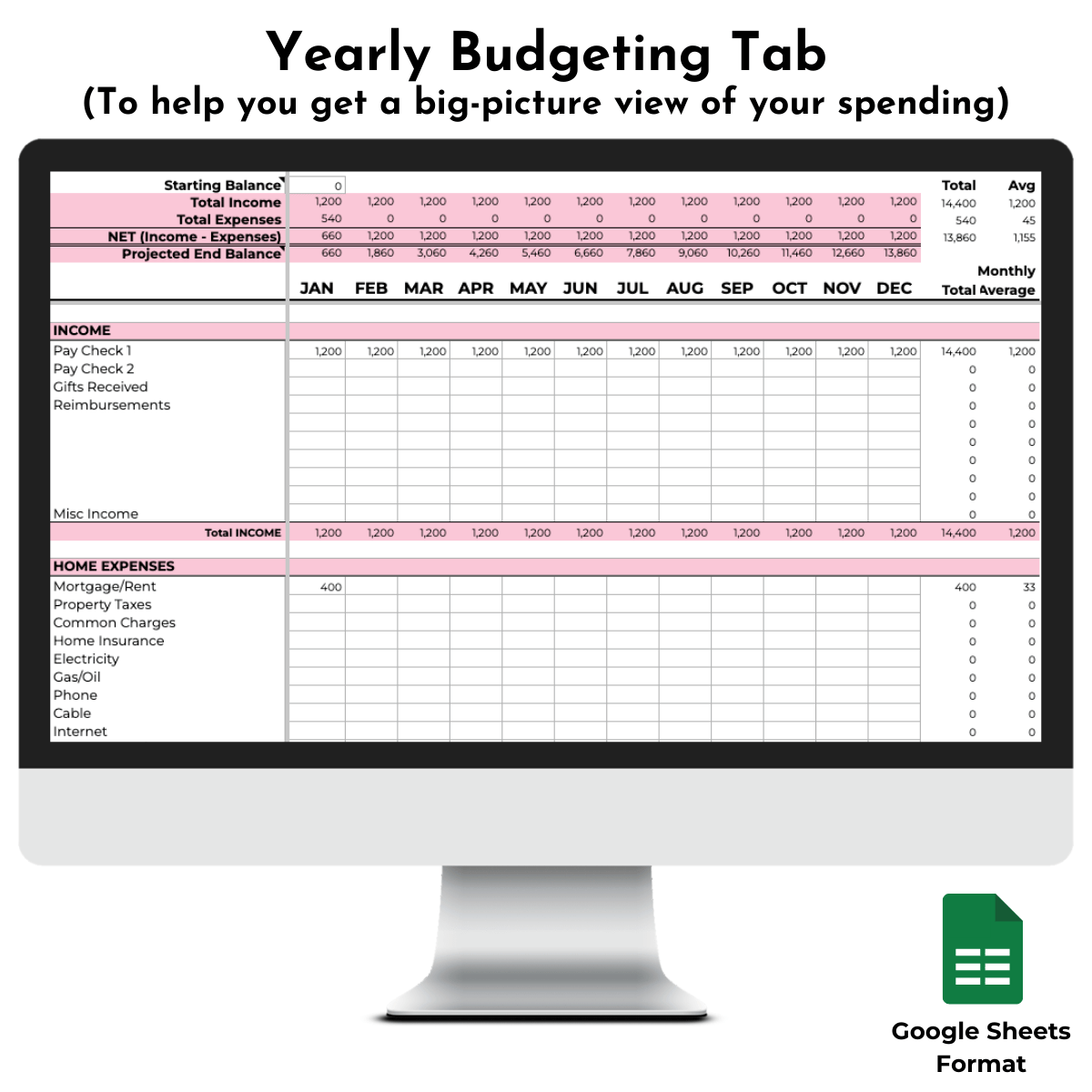
Take A Look Inside The Spreadsheets:
Take A Look Inside The Budget Binder:
What You’ll Receive:
Here’s what you’ll get with the Monthly & Yearly Budget Spreadsheets…
- Google Sheet Link: Access the spreadsheet instantly, with clear instructions on how to copy it to your own Google account.
- Download Options: Step-by-step instructions for saving the Google Sheet as a Microsoft Excel or Apple Numbers file for flexibility.
- Video Walk-Through Tutorials: Detailed videos explaining how to customize and make the most of the spreadsheet, so you can start budgeting confidently.
- 14 Organized Tabs: Easily track your monthly and yearly expenses with dedicated tabs, so you have a clear overview of your spending patterns.
- Quick Annual to Monthly Calculator: Convert your annual expenses into manageable monthly amounts, making it easier to plan and stick to your budget.
- Housing Recommendation: Get a recommended range for housing costs based on your income, so you have more room in your budget for essentials, savings, and other financial goals.
- Savings Recommendation: Know exactly how much you should aim to save each month based on your income, empowering you to build a stronger financial foundation.
- Spending at a Glance Chart: Get an instant snapshot of your spending, so you can quickly identify areas where you might cut back or adjust.
- Emergency Fund Recommendation: Find out how much you should set aside for emergencies, helping you prepare for unexpected expenses with confidence.
- Beautiful Charts, Graphs, and Calculators: This helps you measure your progress and motivate you to make smart financial decisions.
Here’s what you’ll get with the Ultimate Budget Binder…
-
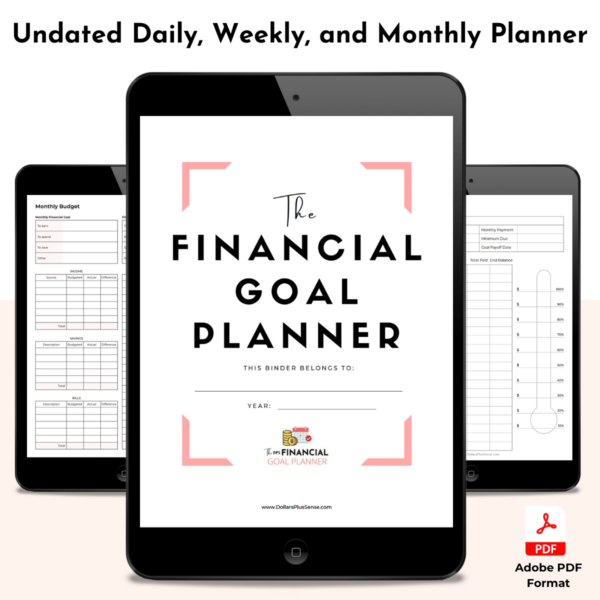
Printable and Fillable Budget Binder: A carefully curated binder filled with 18 pages worth of printables designed to help you achieve your financial goals as fast as possible.
It contains printables to help you make a budget that works, save more money, tackle your debt, and get more organized with your finances.
You will receive the following printables:
Cover Page
Net Worth Worksheet
Monthly Bill Payment Calendar
Monthly Budget (Filled)
Monthly Budget (Unfilled)
Paycheck Budgeting
Cash Envelope Templates
Cash Envelope Spending Tracker Insert
Cash Envelope Overview
Budget Categories Checklist
Annual Bill Payment Checklist
Daily Expense Tracker
Debt Worksheet
Debt/Savings Thermometer
Weekly Meal Planner - User Guide eBook: Step-by-step instructions showing you how to use the Ultimate Budget Binder to help you make the most of each worksheet.
Access Instructions:
After checkout, two digital PDF files will be delivered to your email inbox.
The Budget Binder is a downloadable PDF you can print, use on your computer, or use with a note taking app like GoodNotes.
The Budget Spreadsheets come as a digital PDF with a link to copy the file to your Google account.
This spreadsheet is designed to be used in Google Sheets with your free Google account and can be used on your computer, smartphone, or tablet.
This is a digital product. Nothing physical will ship.
The Budget Binder is a downloadable PDF you can print, use on your computer, or use with a note taking app like GoodNotes.
The Budget Spreadsheets come as a digital PDF with a link to copy the file to your Google account.
This spreadsheet is designed to be used in Google Sheets with your free Google account and can be used on your computer, smartphone, or tablet.
This is a digital product. Nothing physical will ship.
Frequently Asked Questions:
Do I Need Anything Else To Use This Bundle?
Just a free Google account for the spreadsheet, and a printer if you prefer to make a physical budget binder.
Can I Edit The Worksheets In The Binder? No, the binder is a non-editable PDF. But it is fillable so you can fill it out on your computer, write on it digitally using a note taking app like GoodNotes, or print it and fill it by hand.
What Happens After I Click “Buy”? Your Ultimate Budget Binder and Budget Spreadsheets will be delivered to you instantly via email. You will then be able to download your Ulitmate Budget Binder and Budget Spreadsheets directly to your computer.
What Do I Need To Open The Files? You need to have Adobe Reader installed on your computer to open the download. You will also need a free Google account for the spreadsheets.
Can I Use The Spreadsheets In Excel Or Numbers? Yes! While it’s designed for Google Sheets, you’ll get instructions to download it into Excel or Apple Numbers if you prefer. But please note it works BEST in Google Sheets.
How Is Your Spreadsheet Different From The Others Out There? My budgeting spreadsheet stands out because it’s designed to be more than just a tool for tracking numbers—it’s built to help you make real progress toward financial freedom.
With 12 monthly tabs and a yearly overview, you can easily see your spending patterns, savings progress, and opportunities to improve each month.
One of its unique features is that all the numbers from your monthly budgets automatically populate in the annual spreadsheet, saving you time and eliminating the need to re-enter data.
Plus, it includes features like tailored housing and savings recommendations based on your income, along with a video tutorial to walk you through customizing the spreadsheet for your needs.
Can I Edit The Worksheets In The Binder? No, the binder is a non-editable PDF. But it is fillable so you can fill it out on your computer, write on it digitally using a note taking app like GoodNotes, or print it and fill it by hand.
What Happens After I Click “Buy”? Your Ultimate Budget Binder and Budget Spreadsheets will be delivered to you instantly via email. You will then be able to download your Ulitmate Budget Binder and Budget Spreadsheets directly to your computer.
What Do I Need To Open The Files? You need to have Adobe Reader installed on your computer to open the download. You will also need a free Google account for the spreadsheets.
Can I Use The Spreadsheets In Excel Or Numbers? Yes! While it’s designed for Google Sheets, you’ll get instructions to download it into Excel or Apple Numbers if you prefer. But please note it works BEST in Google Sheets.
How Is Your Spreadsheet Different From The Others Out There? My budgeting spreadsheet stands out because it’s designed to be more than just a tool for tracking numbers—it’s built to help you make real progress toward financial freedom.
With 12 monthly tabs and a yearly overview, you can easily see your spending patterns, savings progress, and opportunities to improve each month.
One of its unique features is that all the numbers from your monthly budgets automatically populate in the annual spreadsheet, saving you time and eliminating the need to re-enter data.
Plus, it includes features like tailored housing and savings recommendations based on your income, along with a video tutorial to walk you through customizing the spreadsheet for your needs.